Home broadband
Our broadband
Switching to Hyperoptic
Social tariff
Hyperoptic Total Wi-Fi®
Refer & earn
For students
Moving home
Business
Business broadband
Customer stories
Leased line
Partners
Existing buildings
New build homes
Commercial property
Social housing
Build-to-rent developments
Serviced apartments
About us
Why us
Careers
About us
News & Press
Help & Advice
Help centre
Troubleshoot your connection
Run a speed test
Contact us
My Account
Home broadband
Our broadband
Switching to Hyperoptic
Social tariff
Hyperoptic Total Wi-Fi®
Refer & earn
For students
Moving home
Business
Business broadband
Customer stories
Leased line
Partners
Existing buildings
New build homes
Commercial property
Social housing
Build-to-rent developments
Serviced apartments
About us
Why us
Careers
About us
News & Press
Help & Advice
Help centre
Troubleshoot your connection
Run a speed test
Contact us
Guides
Change your Wi-Fi details
Choose your router model to see the right steps for changing your Wi-Fi name or password.
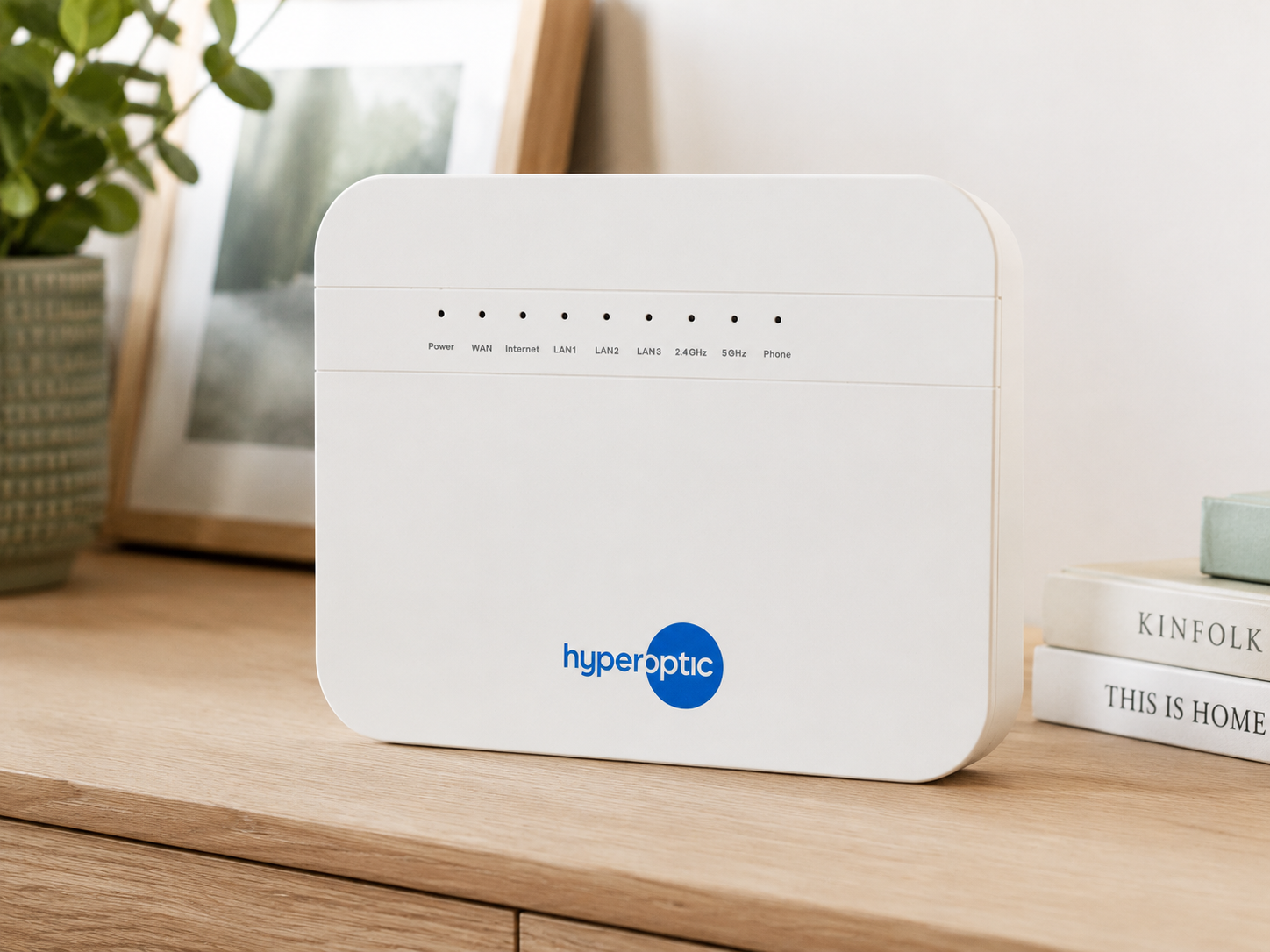
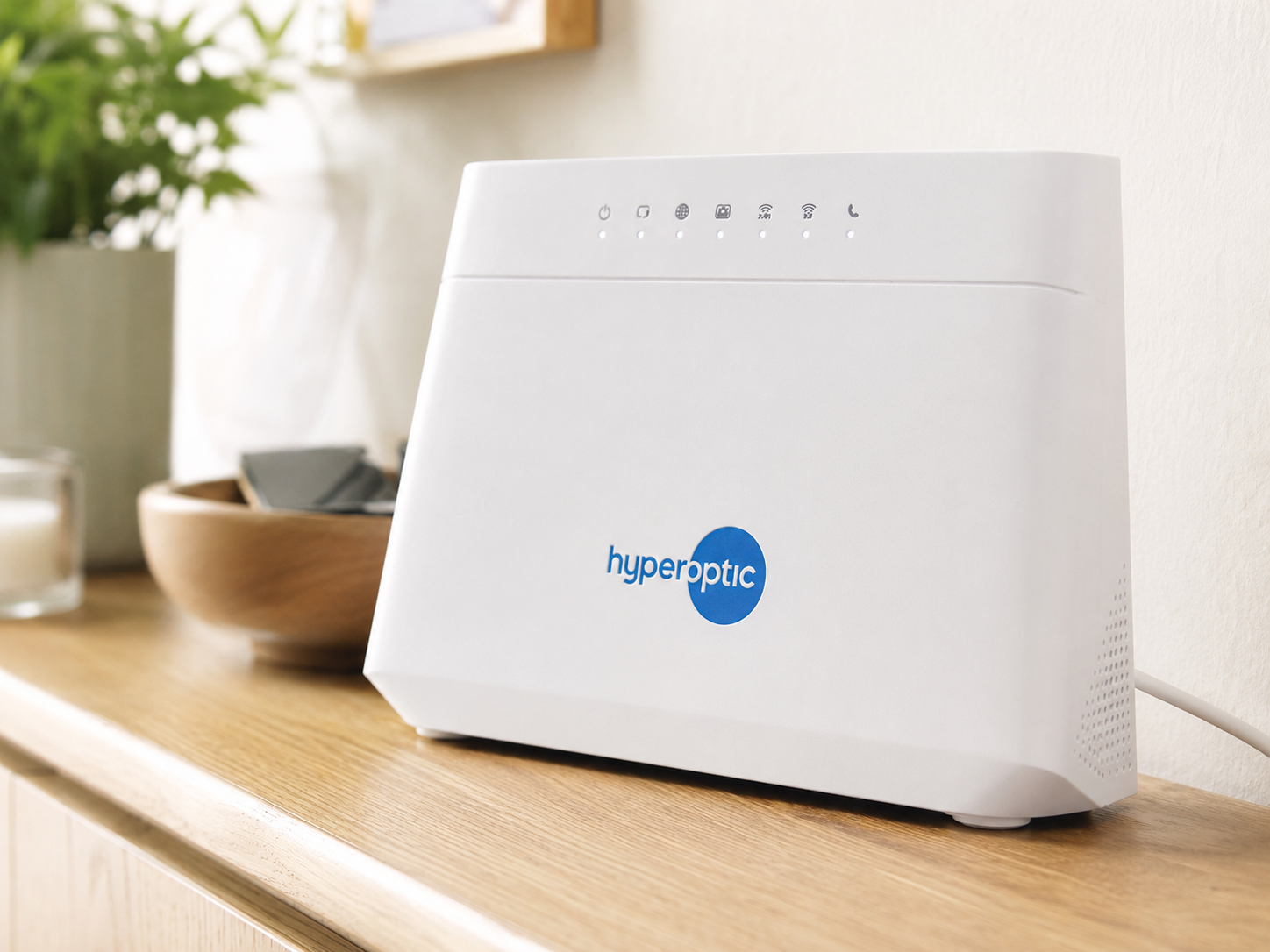
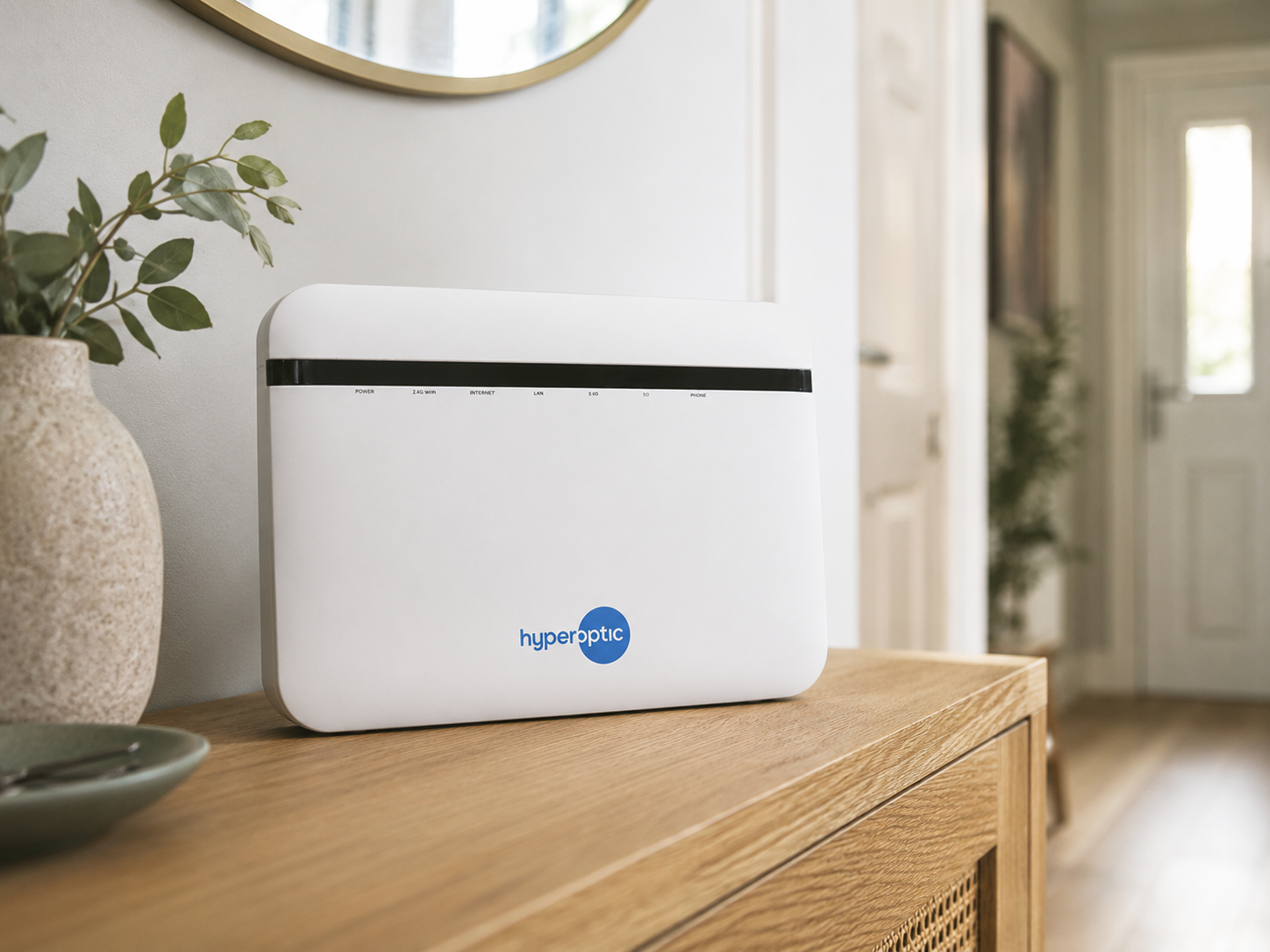
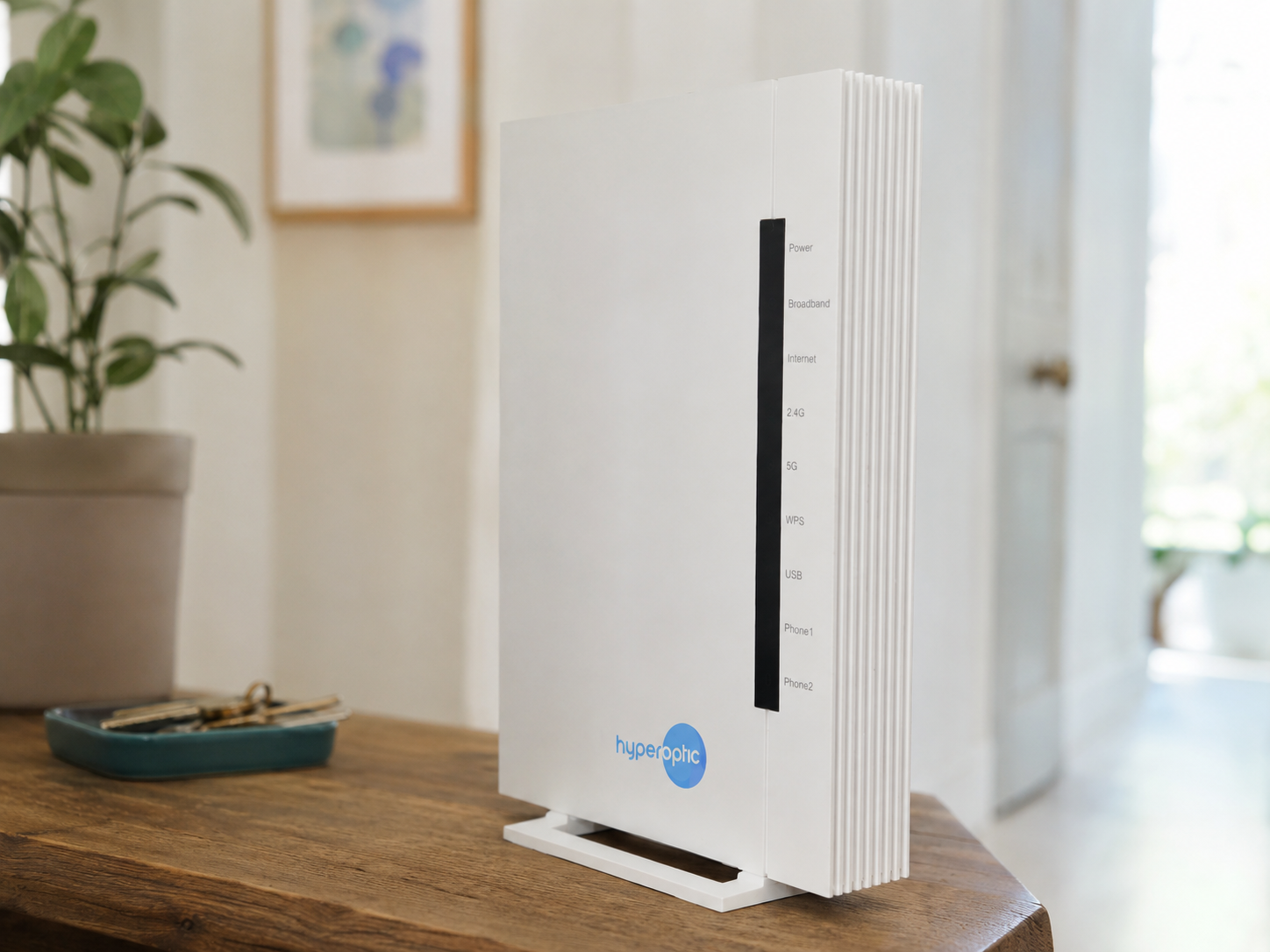
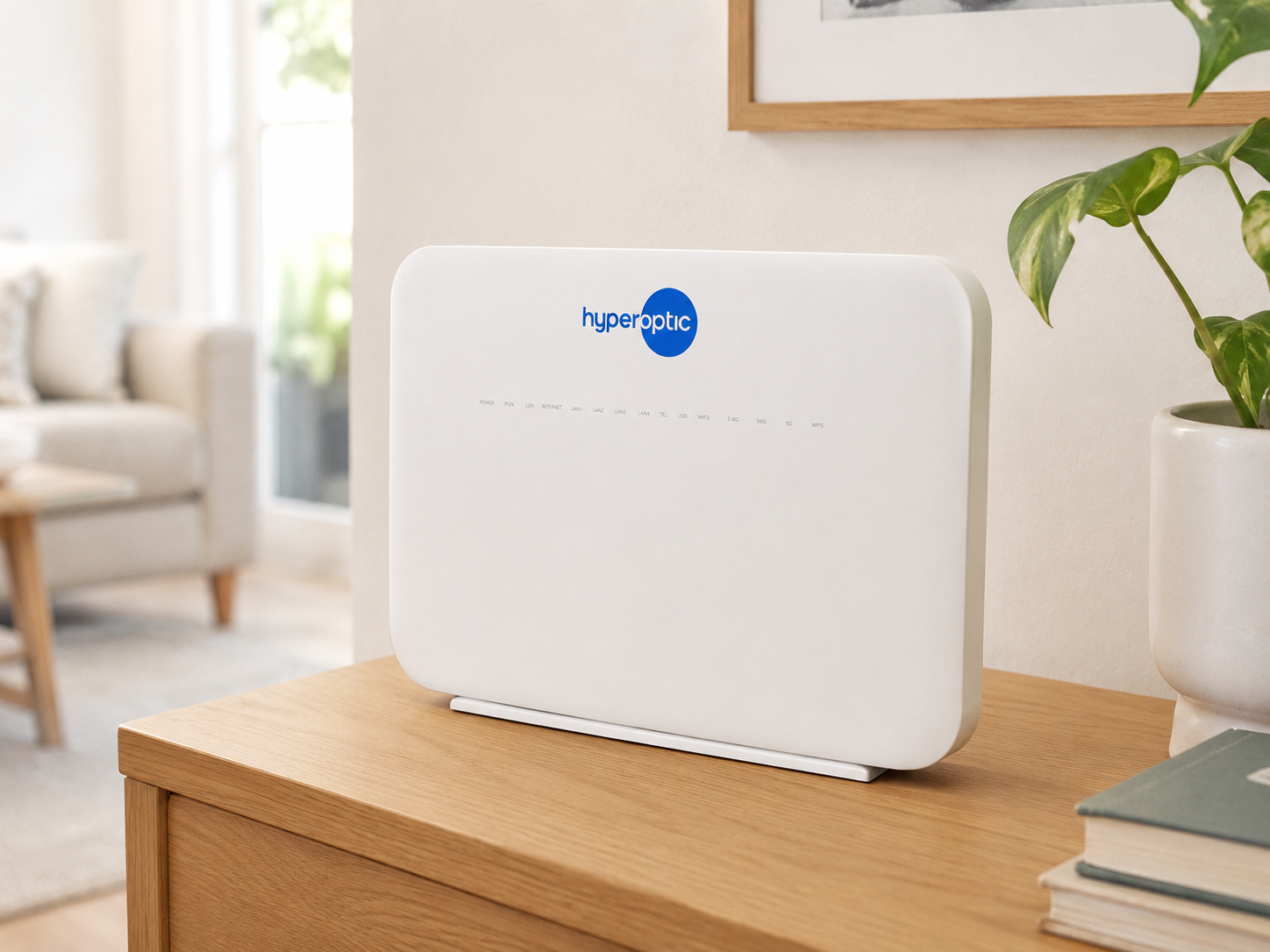
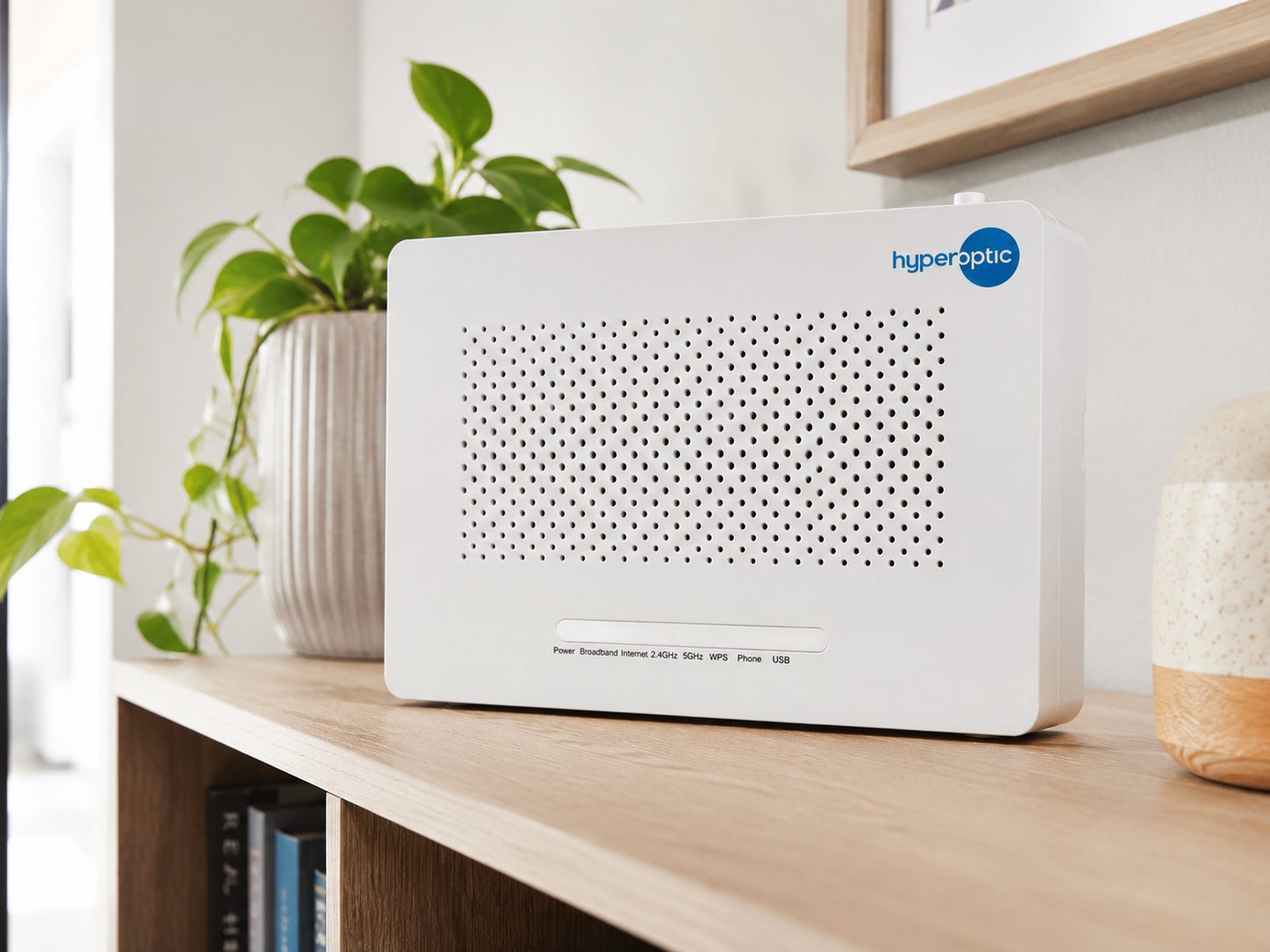
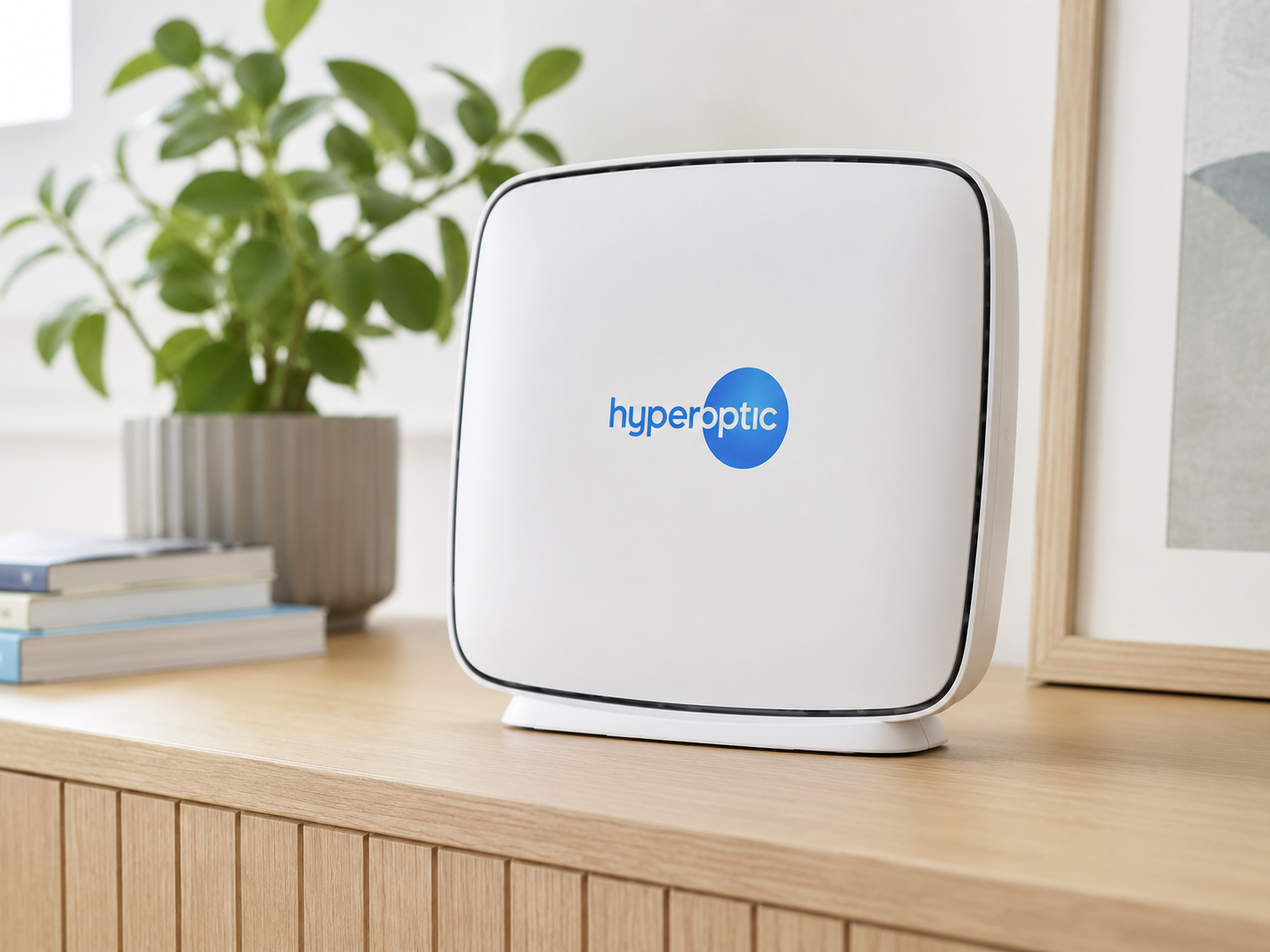
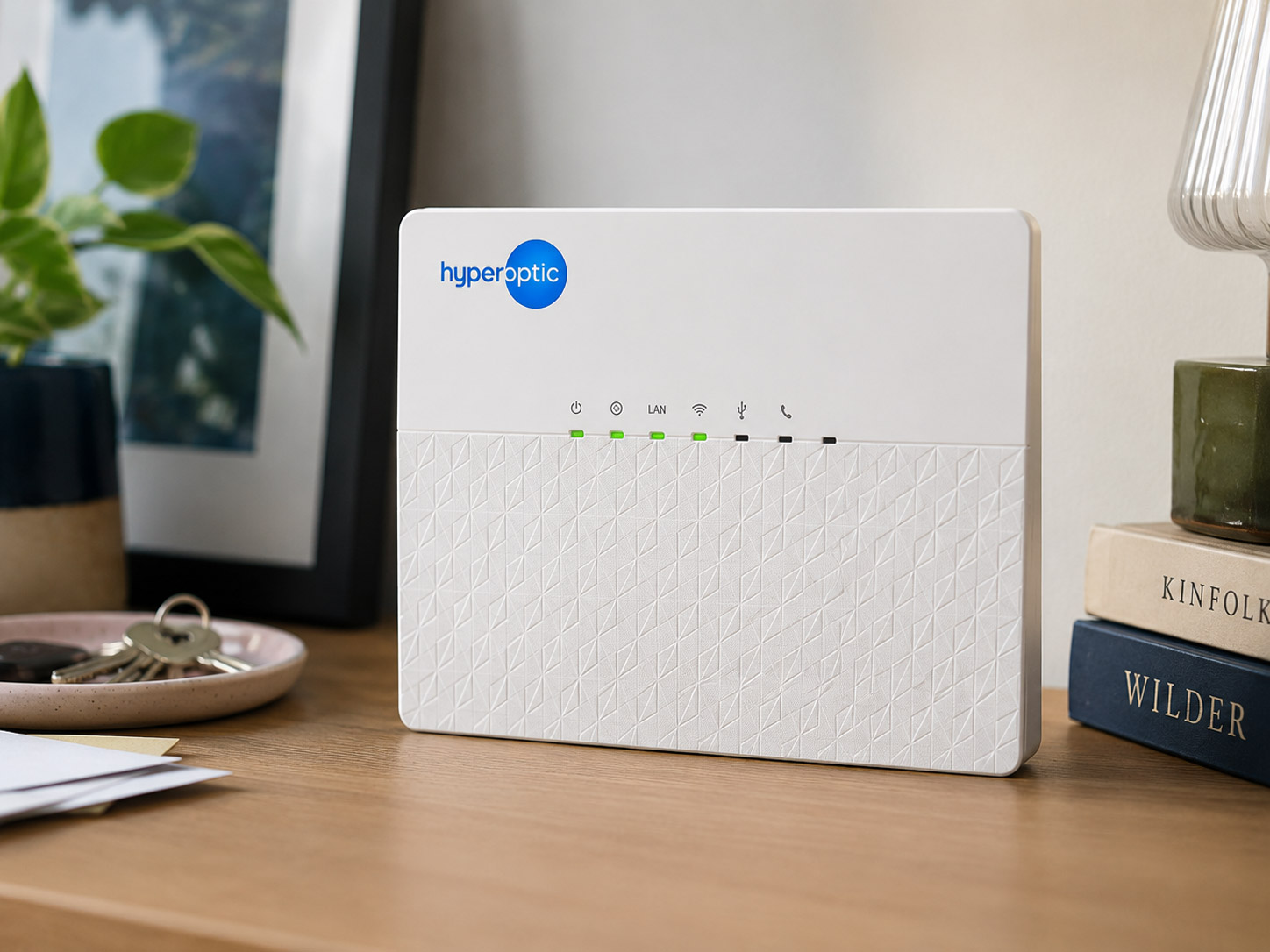
Which Hyperhub do you have?
Check the model name on your router, then choose it below for the right guide.
Change your Wi-Fi details on a Zyxel EX3501 Hyperhub
Check out our handy guide
View guide
Change your Wi-Fi details on a Zyxel EX3301 Hyperhub
Check out our handy guide
View guide
Change your Wi-Fi details on a Zyxel EX5601 Hyperhub
Check out our handy guide
View guide
Change your Wi-Fi details on a ZTE H3600 Hyperhub
Check out our handy guide
View guide
Change your Wi-Fi details on a Nokia Hyperhub
Check out our handy guide
View guide
Change your Wi-Fi details on a ZTE H298A Hyperhub
Check out our handy guide
View guide
Change your Wi-Fi details on a ZTE H298N Hyperhub
Check out our handy guide
View guide
Change your Wi-Fi details on a Tilgin HG2381 Hyperhub
Check out our handy guide
View guide