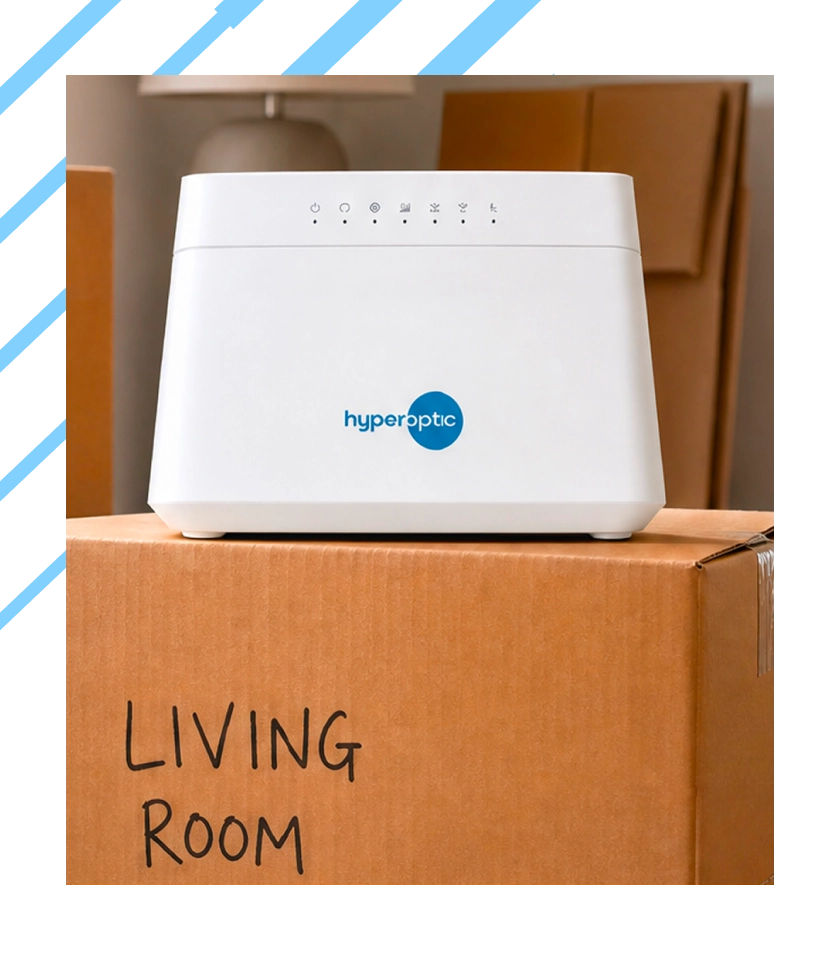
Hyperoptic home
Moving home
Let’s get your broadband move sorted
Tell us where and when you’re moving in My Plan. We’ll check your new address and guide you through what happens next.
Start your move in My Account

Open My Plan in My Account and select Moving home. Tell us your moving date and new address, and we’ll check whether Hyperoptic is available at your new home. Depending on your new address, we’ll guide you through moving your service or explain your available options.

Leaving Hyperoptic?

How should I leave things when I move out?

If you’re moving out, don’t forget to let us know. We’ll be sad to see you go, but hopefully it won’t be goodbye forever.

1

Let us know

Use the Moving home flow in My Plan to tell us when you’re moving and where you’re going.

2

Receive an envelope

We’ll send you an envelope to leave for the next resident.

3

Register your interest

Register interest at your new address if we’re not there yet

When will I receive my final bill?

After terminating your service, you’ll receive your final bill on your usual billing date in the following month. The charges will depend on your package and the date your service ends. If you’re on a 12 or 24-month minimum commitment and leave before it ends, service termination charges will apply for each month remaining on your package, plus any outstanding charges. In line with our Terms of Service, we require 30 days’ notice of any cancellation, including monthly rolling packages.

Any questions about moving home?
These are the most frequently asked
Find answers about moving your service, final bills and returning Hyperoptic equipment.
What if I’ve moved into a home with a Hyperoptic socket already installed?

If you’ve moved into a home with a Hyperoptic socket already installed, and you’ve got a compatible router, simply order service and we should be able to activate you right away. Please select ‘Yes, I already have one’ when placing your order.

If you have a Hyperoptic socket already installed but no router, please select ‘No, I need Hyperoptic to send me one.’ when placing your order. We’ll send you one and it will be delivered within 48h. As long as you connect it within 24 hours of receiving it, your service should go live right away (or on your desired activation date/move in date, if you’ve chosen to delay it).

If I move house and can’t get Hyperoptic anymore, can I cancel my service?

Yes, you can. If we’re unable to provide services to your new premise, then unfortunately you’ll need to terminate with us. Please remember that, as per our standard terms, we require at least 30 days’ notice of termination and, depending on your agreement with us, you may also incur a Service Termination Fee.

The Service Termination Fee depends on the amount of time left on your minimum period. If you wish to end your agreement early, you will be subject to a cancellation fee. To check out our price book, please visit our Price Guide Book.

You may also wish to register interest for our services at your new address. The more demand we see for our service in a building, the faster we can move to install there – and you’ll also receive regular updates on our progress. You can register interest for your new address on our website.

Can I move my Hyperoptic service with me when I move out?

If you are moving within the same building, moving your Hyperoptic service is free of charge and can be done quickly. Depending on whether an installation appointment is needed, service at your new premise can be activated either right away or after the installation of our equipment is done.
If you are moving to a new building, we can continue to provide our services if they are available at the premises. Provision of our services to you at your new home will usually be handled as if you are a new customer.

If we do not currently provide our service to your new address, you may also wish to register your interest via our website. The more demand we see for our service in a building, the faster we can move to install there – and you’ll also receive regular updates on our progress.

Please get in touch with the Customer Service team if you have any questions.