Home broadband
Our broadband
Switching to Hyperoptic
Social tariff
Hyperoptic Total Wi-Fi®
Refer & earn
For students
Moving home
Business
Business broadband
Customer stories
Leased line
Partners
Existing buildings
New build homes
Commercial property
Social housing
Build-to-rent developments
Serviced apartments
About us
Why us
Careers
About us
News & Press
Help & Advice
Help centre
Troubleshoot your connection
Run a speed test
Contact us
My Account
Home broadband
Our broadband
Switching to Hyperoptic
Social tariff
Hyperoptic Total Wi-Fi®
Refer & earn
For students
Moving home
Business
Business broadband
Customer stories
Leased line
Partners
Existing buildings
New build homes
Commercial property
Social housing
Build-to-rent developments
Serviced apartments
About us
Why us
Careers
About us
News & Press
Help & Advice
Help centre
Troubleshoot your connection
Run a speed test
Contact us
Guides
Set up your Hyperhub router
Choose your router model and follow the right setup steps.
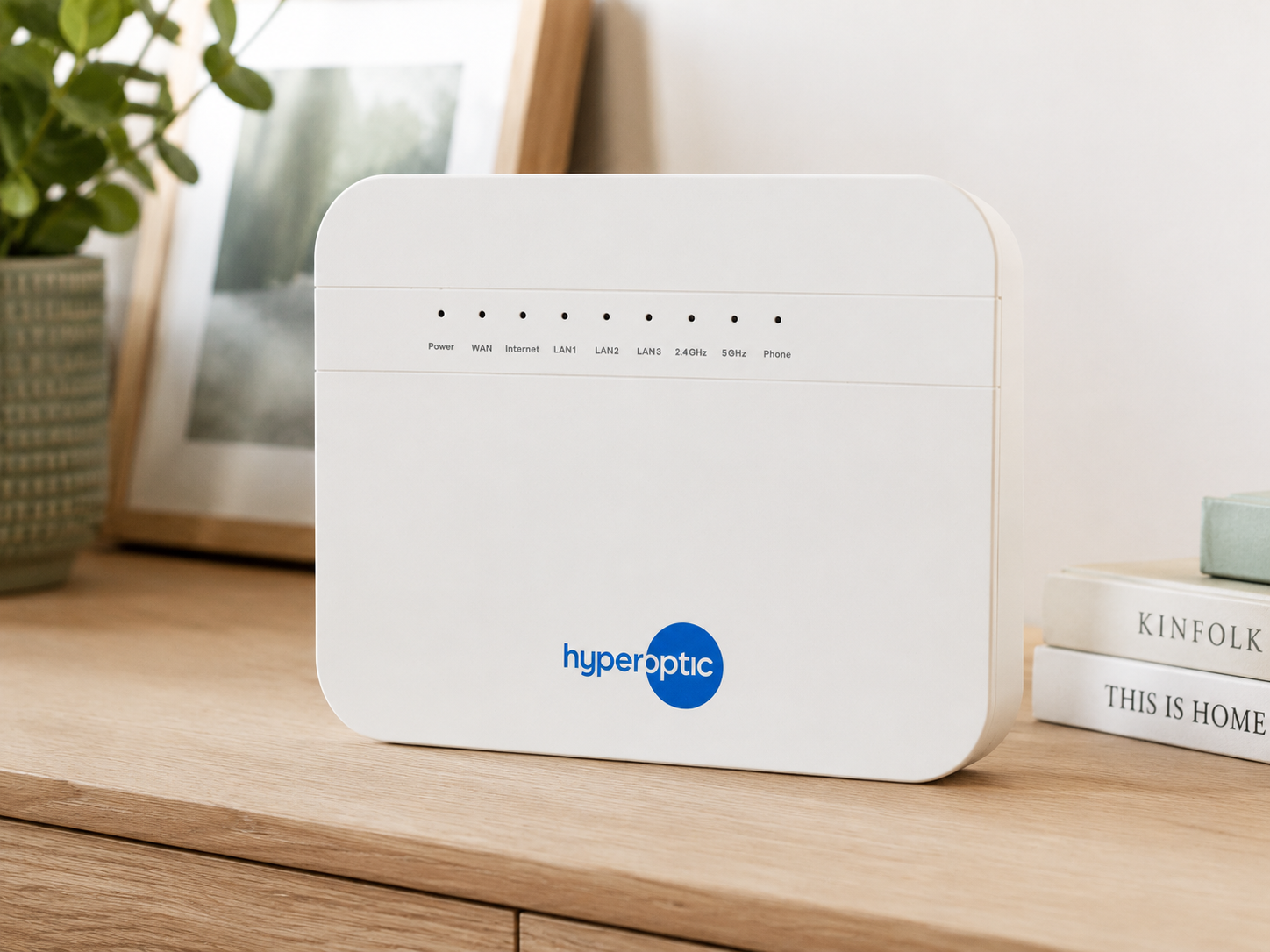
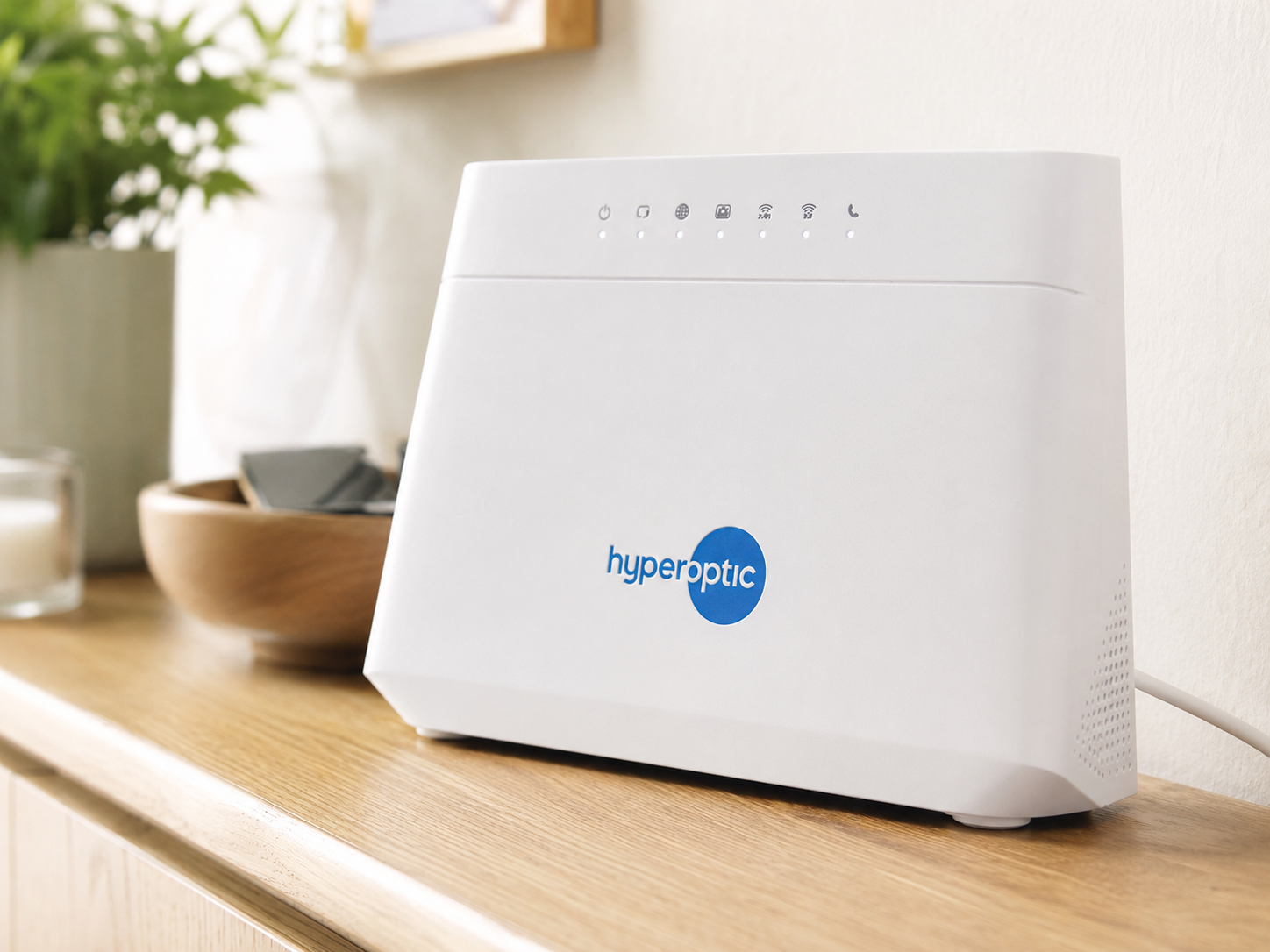
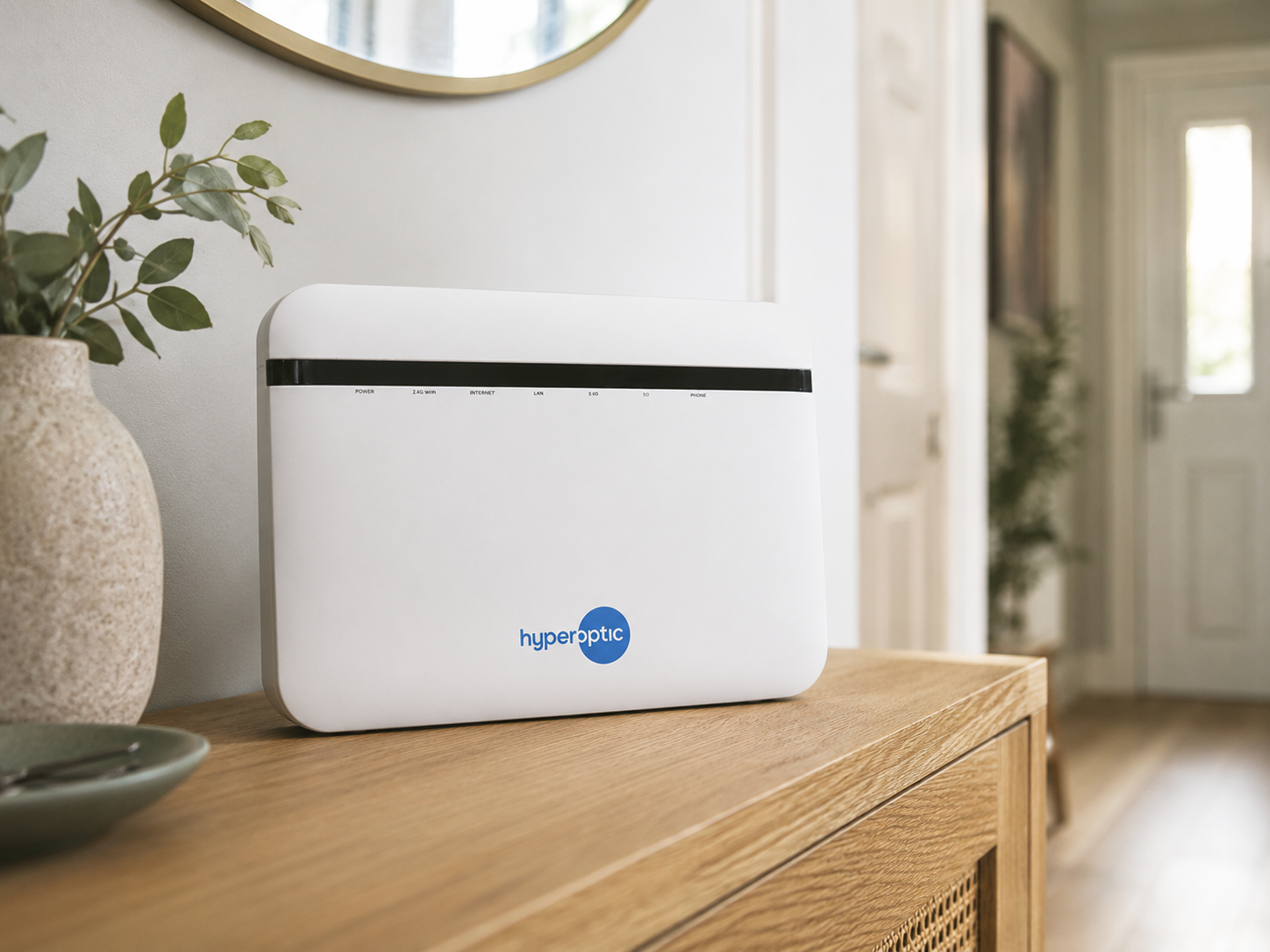
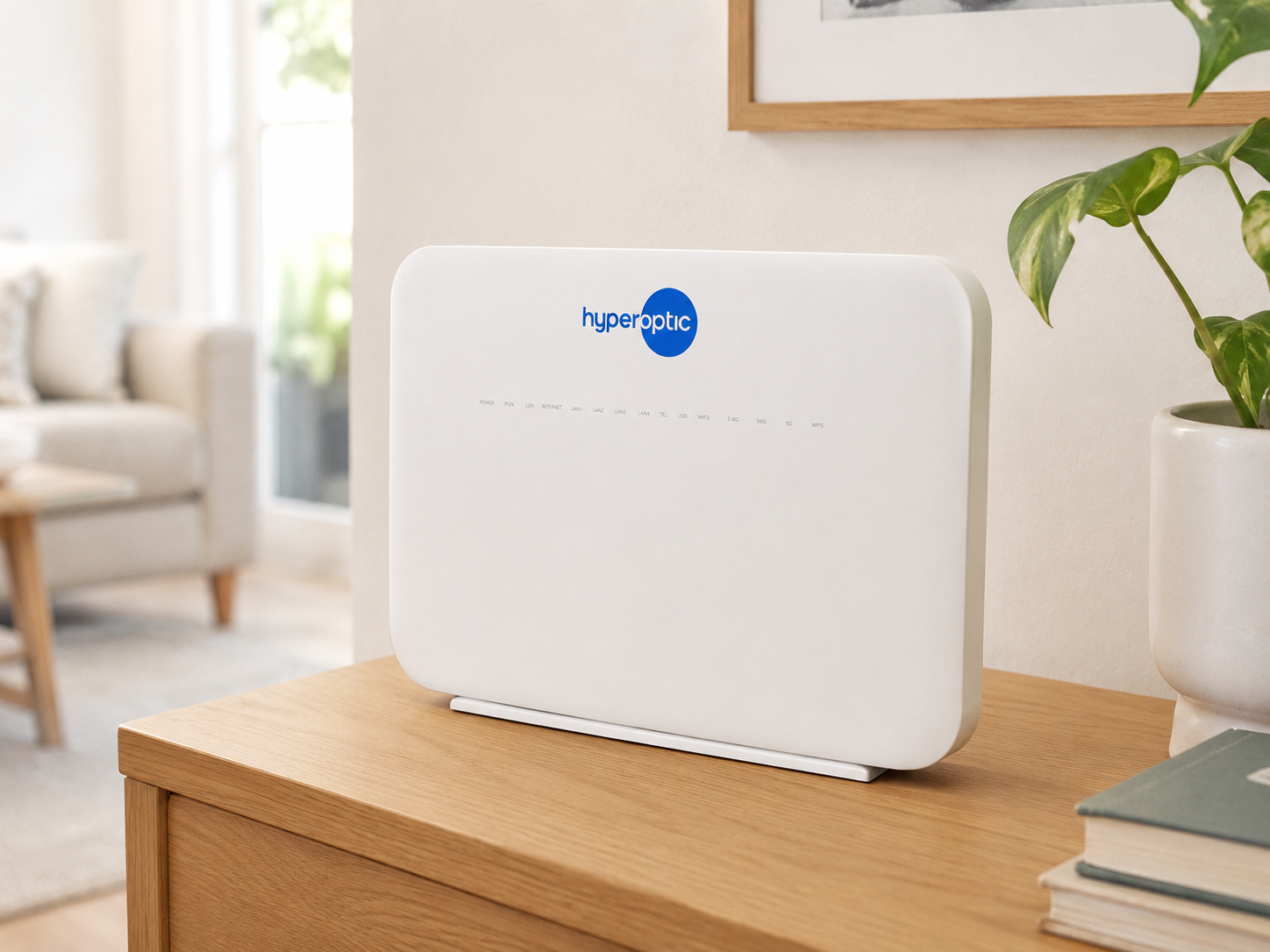
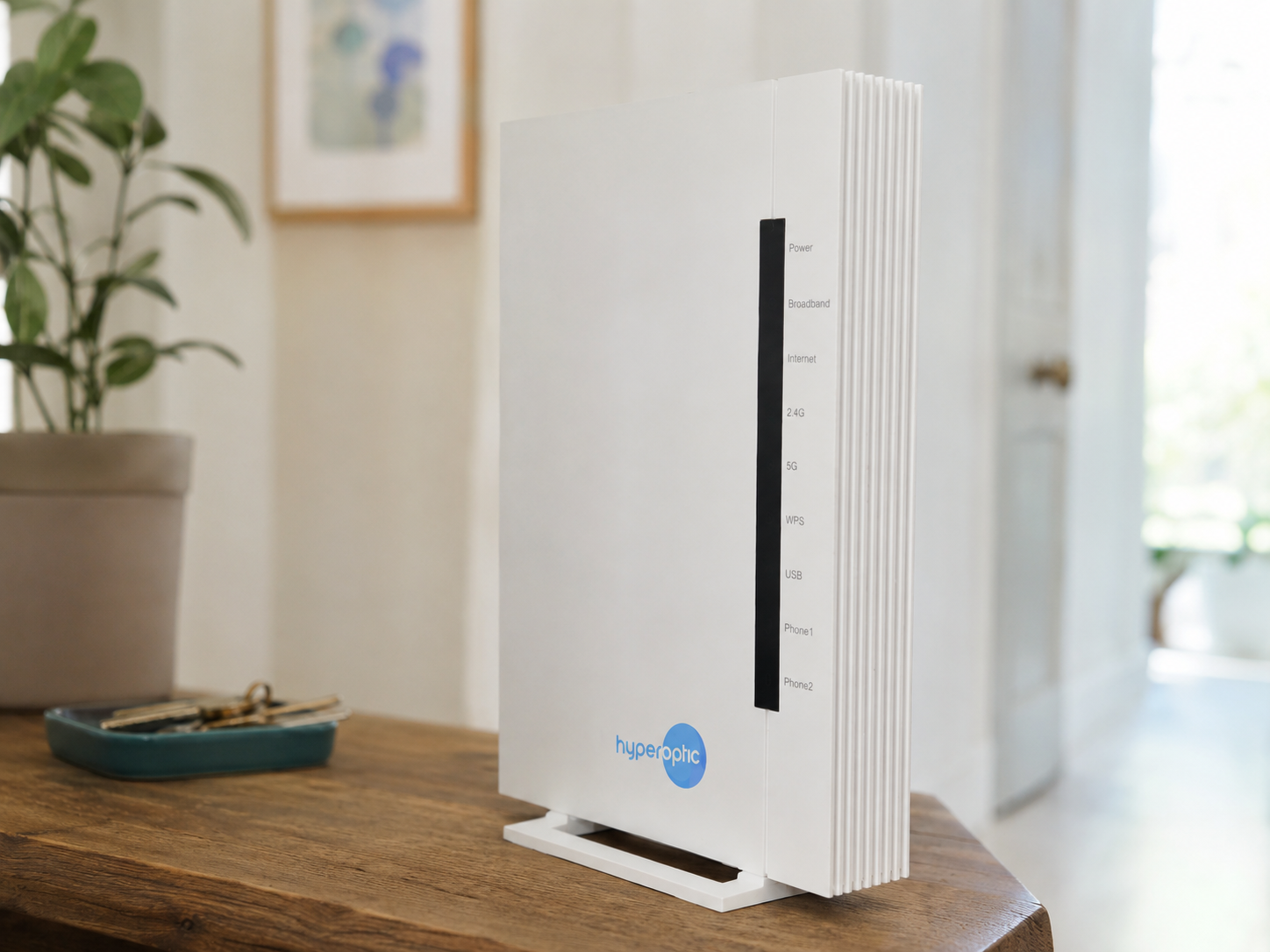
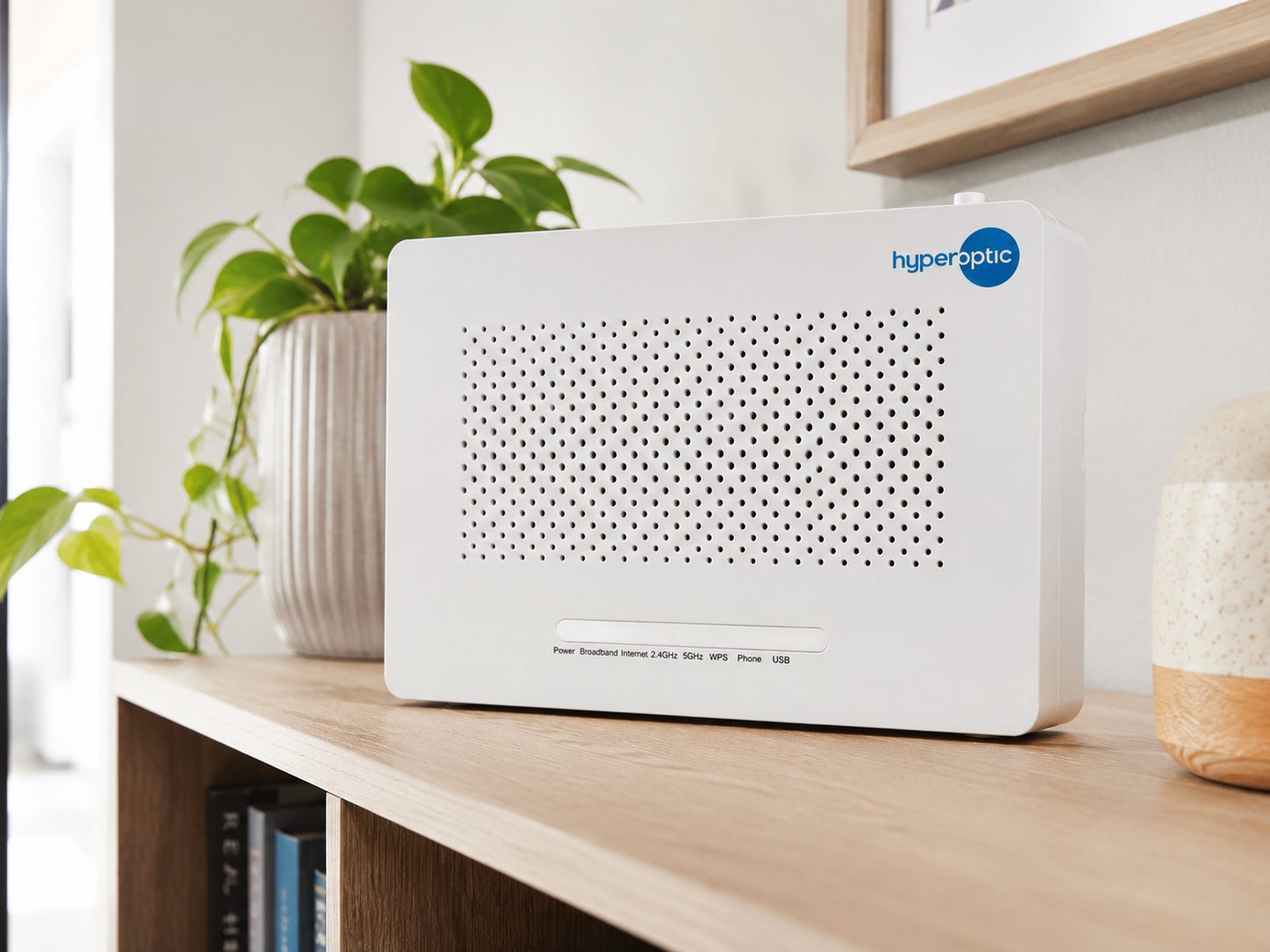
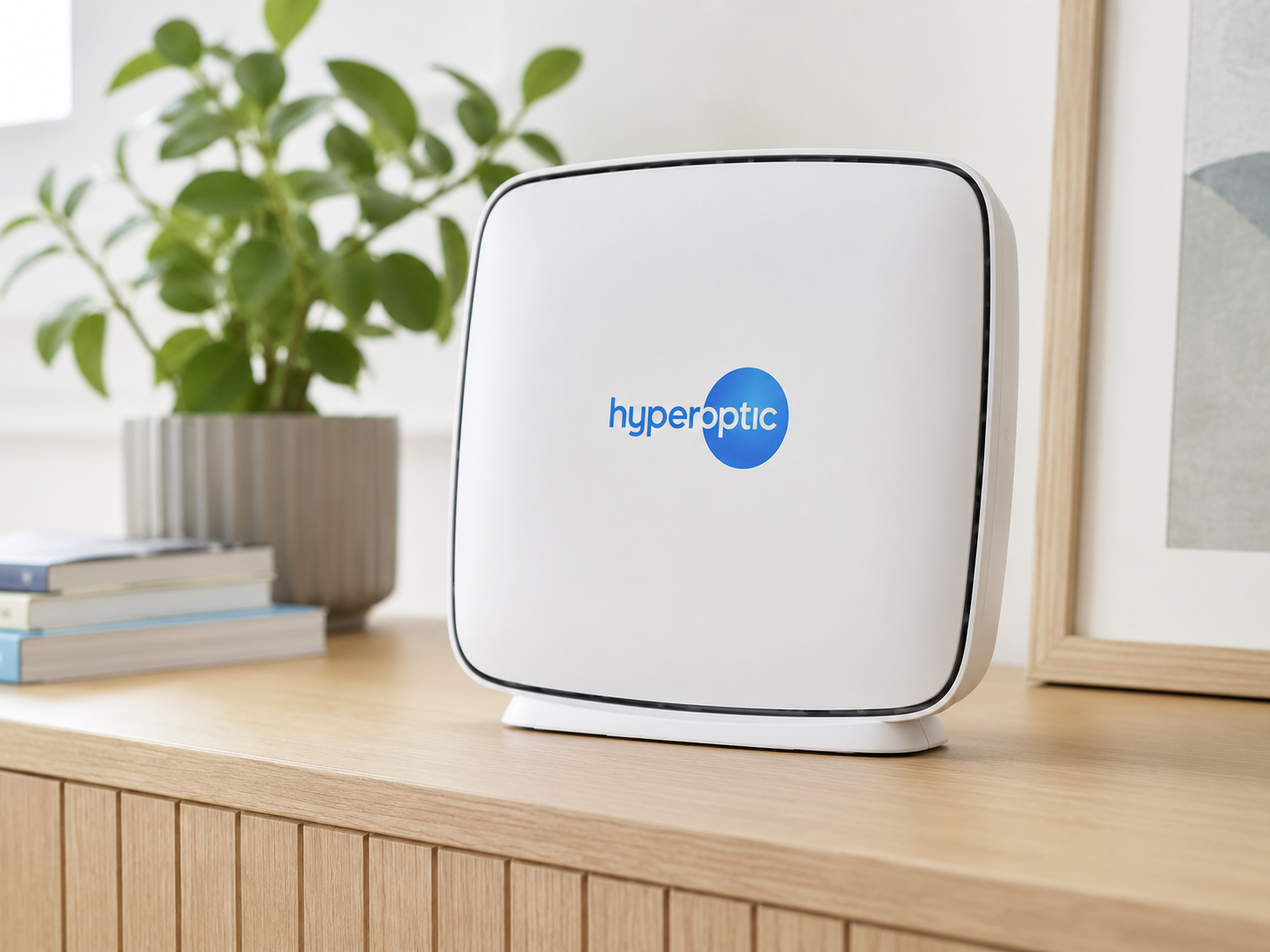
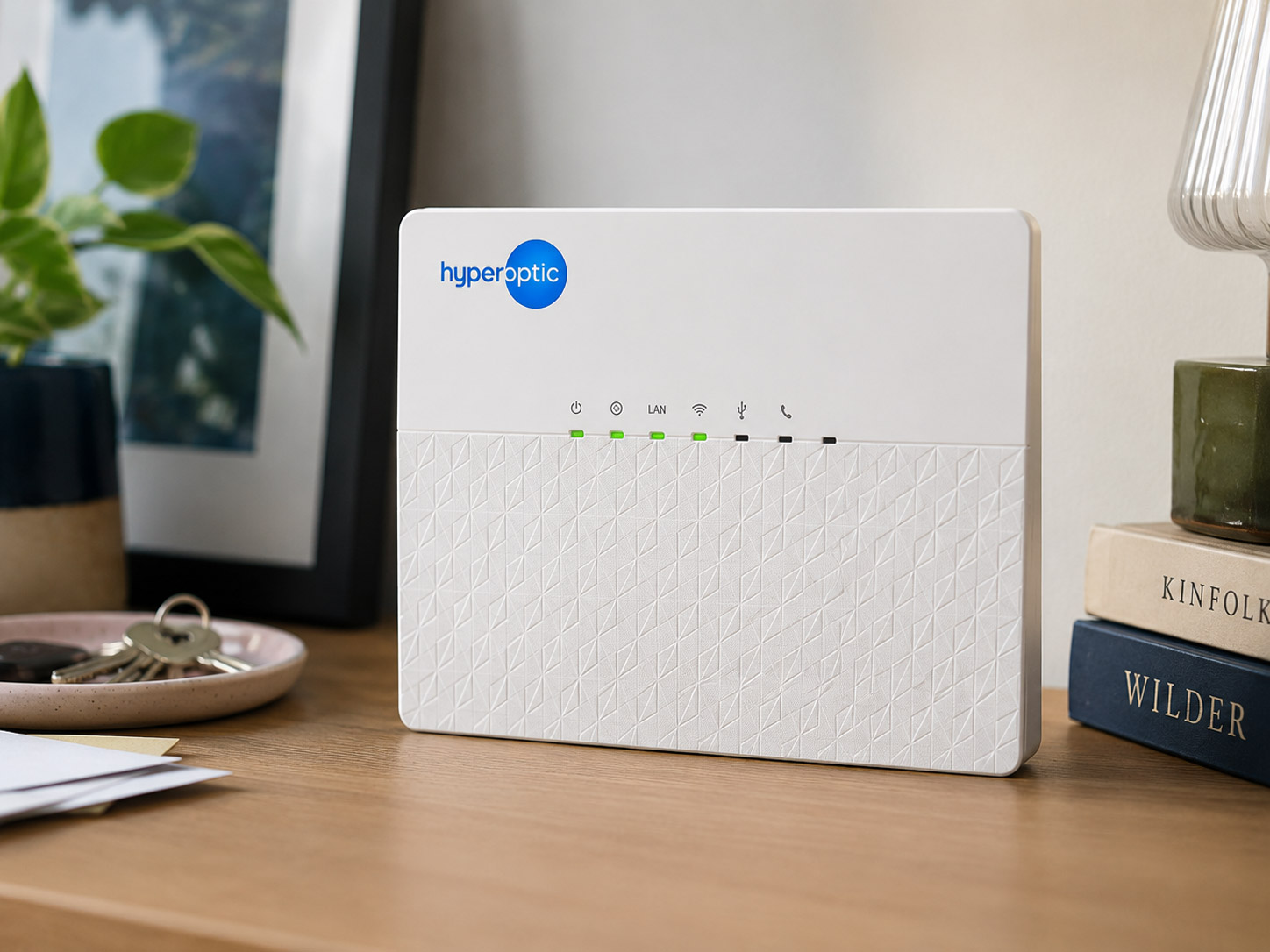
Which Hyperhub do you have?
Check the model name on your router, then choose it below for the right guide.
Set up your Zyxel EX3501 Hyperhub router
Check out our handy guide
View guide
Set up your Zyxel EX3301 Hyperhub router
Check out our handy guide
View guide
Set up your Zyxel EX5601 Hyperhub router
Check out our handy guide
View guide
Set up your Nokia HA-140W-B Hyperhub router
Check out our handy guide
View guide
Set up your ZTE H3600 Hyperhub router
Check out our handy guide
View guide
Set up your ZTE H298A Hyperhub router
Check out our handy guide
View guide
Set up your ZTE H298N Hyperhub router
Check out our handy guide
View guide
Set up your Tilgin HG2381 Hyperhub router
Check out our handy guide
View guide